Did my node finally bite the dust?
Answered
Hi all,
I'm struggling with my node, and wondering if a firmware upgrade or something in the last week really screwed me, or did my hardware just go belly up?
This had been rock solid for years. Node hard wired directly to home router. Separate AP's also connected to home router. Never had a problem discovering devices etc. Upgraded AP's last Sunday, now Node app is dead, Quboz connect can't find node even directly, and when I factory reset the node I can't get the hotspot piece to come around. All of my diagnostics show the node online and active, have tried both wired and wireless. So if it's visible to my tools, why the heck can't the app see the device? Best I got was a brief moment where the app would see the node (wireless to wireless, same SSID and frequency) but it disappeared after not being able to connect.
Losing patience quickly so any assistance is helpful.
Thanks,
EW
-
Official comment

Power off your NODE and power off your router, wait five minutes before turning the Router back on and then wait five more minutes before turning the NODE back on. You may also have to close the BluOS app on the controller device you are using and power cycle it.
-

 My node x is also having issues since the last software update.
I followed the advice above, turn off router, turn off node etc however the node doesn’t appear in the app
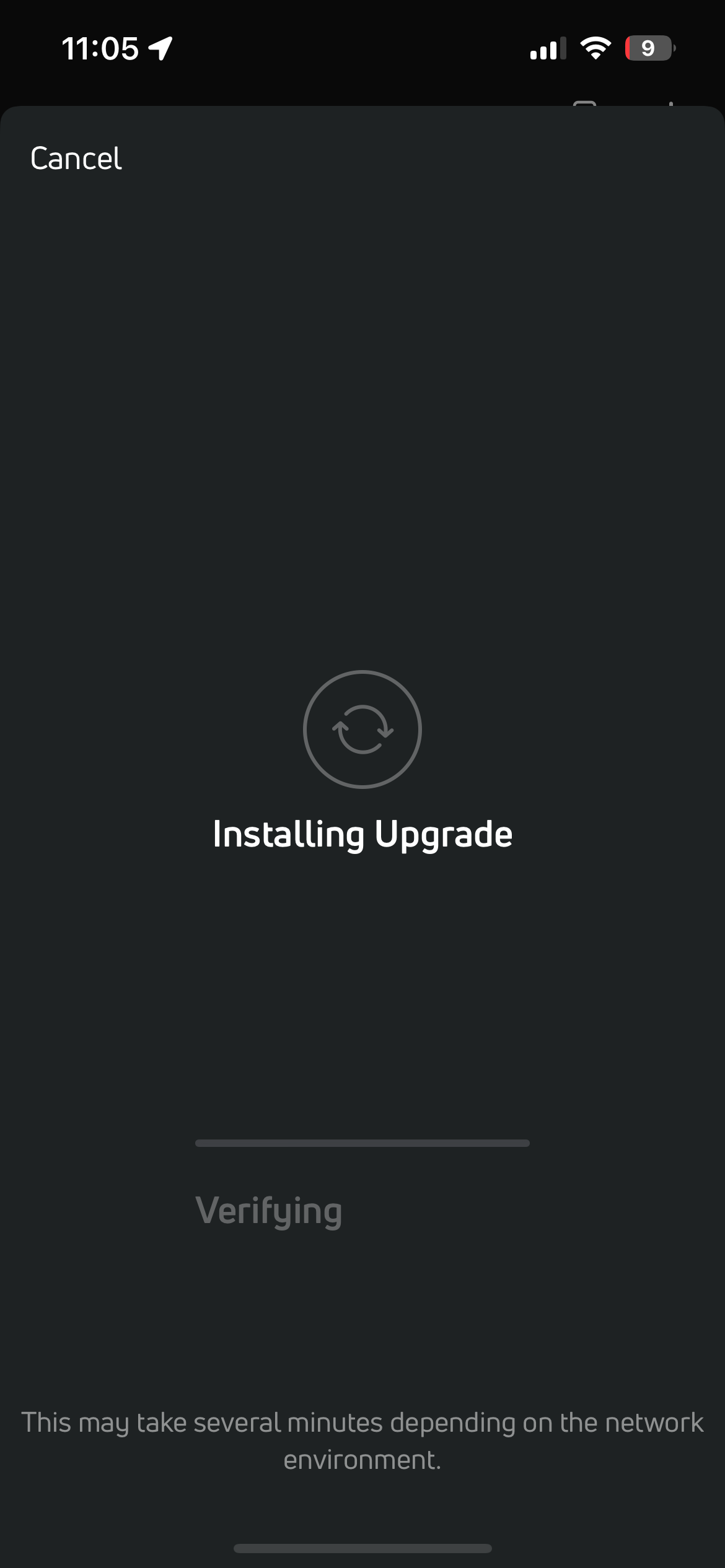
I then manually tried to add it to my network and a box pops up saying updating software which it then fails to do
When it was working, I checked and it said no software needed updating
I’ve done a factory reset too but it still doesn’t work!
1 -

I have basically the same issue on my Powernode Edge. After last firmware update in Bluos bricked the device. Now it displays the red ring of death. I did the factory reset, the device restarts, I connect it with the Bluos app which looks for device updates which bricks the device again.
0 -
Hi Lucas, are you connected to your Router using WiFi or Ethernet? If WiFi try Ethernet (and vice versa), the EDGE is so small and light moving it closer to the Router for an Ethernet connection (without the speakers) is an easy thing to do.
0 -
Hi Seppi,
Fortunately, I’ve managed to fix the issue. I have a mesh network at home where the Powernode was connected via Ethernet to a satellite router. When I connected the Powernode to the main router, the update process finished successfully.What I find strange, though, is that the BluOS app was detecting the Powernode even when it was connected to the satellite router, so I’m not sure if moving the device to the main router was actually the deciding factor.
Anyway, it works now, so that’s good. Unfortunately, after updating to BluOS 4.14.17, the Powernode started having playback issues. After playing for some time, it begins to produce small gaps in the sound (no audio for about 200–500 milliseconds), which occur more frequently over time. Restarting the device helps temporarily, but the problem eventually returns. I’ve tested this with both HDMI ARC and Spotify Connect.
0 -
Hi Lucas, good to hear you managed the firmware update, with the gaps in audio this is often a network issue, (even if using the Ethernet socket on a Mesh device). You could try rebooting the Router followed by any mesh point and lastly any BluOS devices. If this does not help then when the “stuttering” starts use the BluOS App to send a support request as this send the logs as well.
0 -
Hi Seppi,
Thanks for the quick response. I’ll try rebooting everything and see if it improves the situation. If the issue persists, I’ll send a support request.1
Please sign in to leave a comment.
Comments
7 comments