Airable radio favourites
Answered
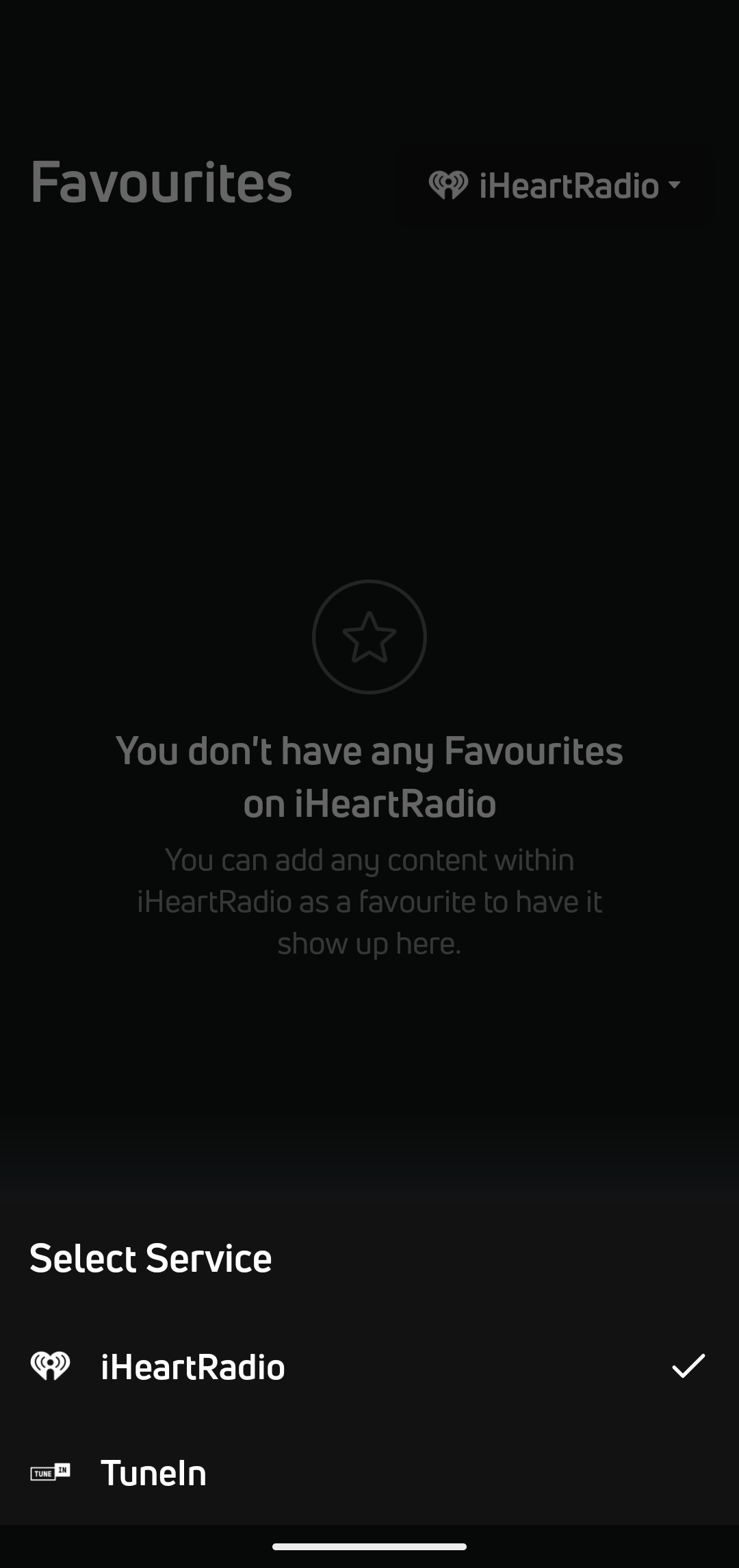
Where do I find Radio (airable) favourites? After favouriting a few stations, I went to Favourites but there is no "Radio" selection on the dropdown list, only iHeartRadio and TuneIn.
0
-
Official comment

Hi Peter,
To see and manage your Radio (airable) favourites, you’ll need to register and sign in to an airable.fm account.
Once your airable.fm account is set up and linked, your saved radio favourites will appear correctly in BluOS. Without an airable.fm account, favourites may not show up as expected under the Radio section.
To learn more, please click on this link below - https://support.bluos.net/hc/en-us/articles/38616245930391-Using-the-New-BluOS-Radio-Service
Thanks for #LivingHiFi
Please sign in to leave a comment.
Comments
1 comment