WIFI connection fails with controller + after "group all" output devices, they group setting is lost is regularly lost
Answered
Hi
- configuration
pulse soundbar 2i
powernode 2ii
ios app 4.12.2, BluOS 4.12.11
Iphone 16 Pro Max , IOS 26.1
- issues
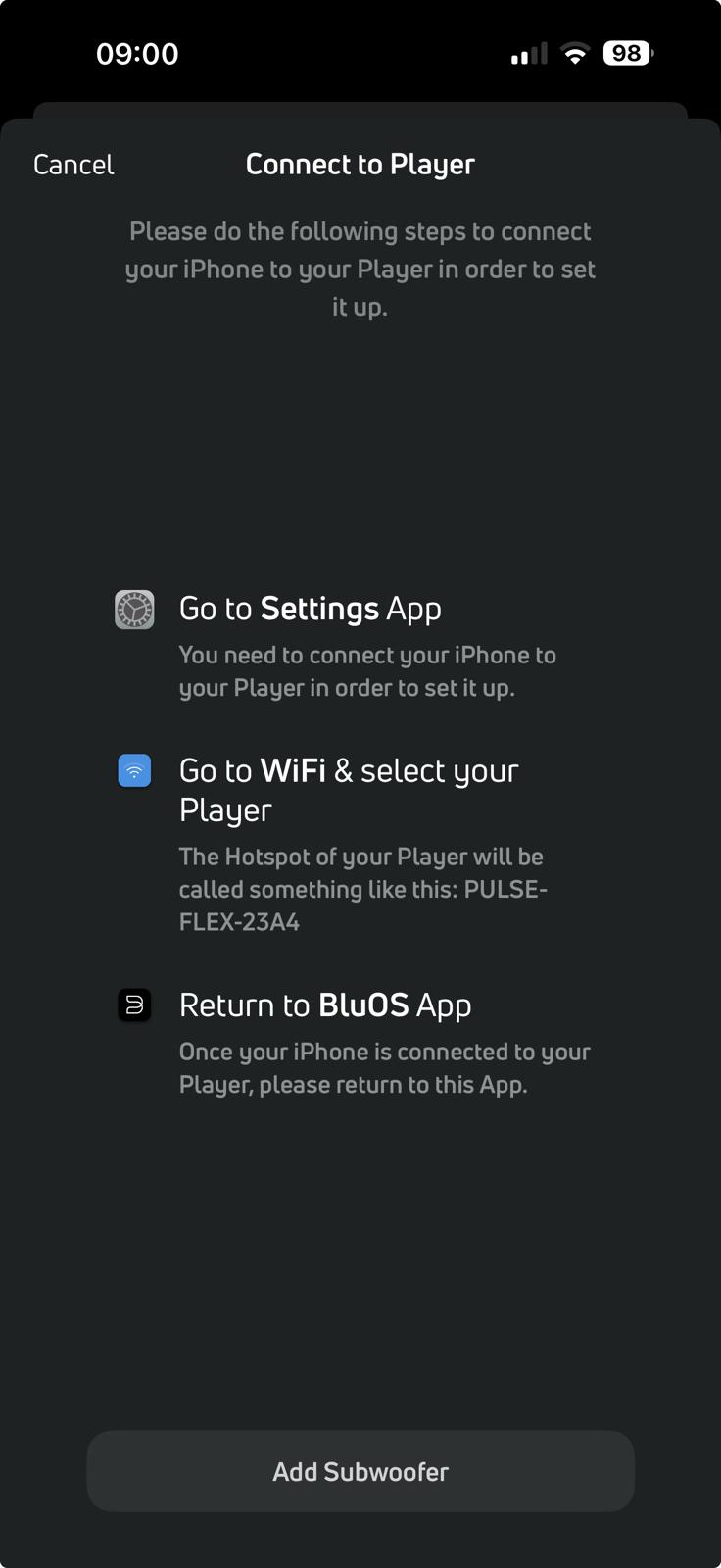
1) When opening the BLUOS app, the app asks now every time (not ad hoc, but always) to verify/enable the wifi settings. After toggling the airplane modus on the Iphone, the BLUOS app find the connected devices back
=> it is the only app on my Iphone that since a few weeks shows this behaviour
when the Iphone is in locked modus and when you unlock the Iphone and try to open or re-access the BLUOS app, it asks again for checking the WIFI and thus I have to toggle again every time the airplane modus to use the BLUOS app
so during the whole day: 10-20 times or more...
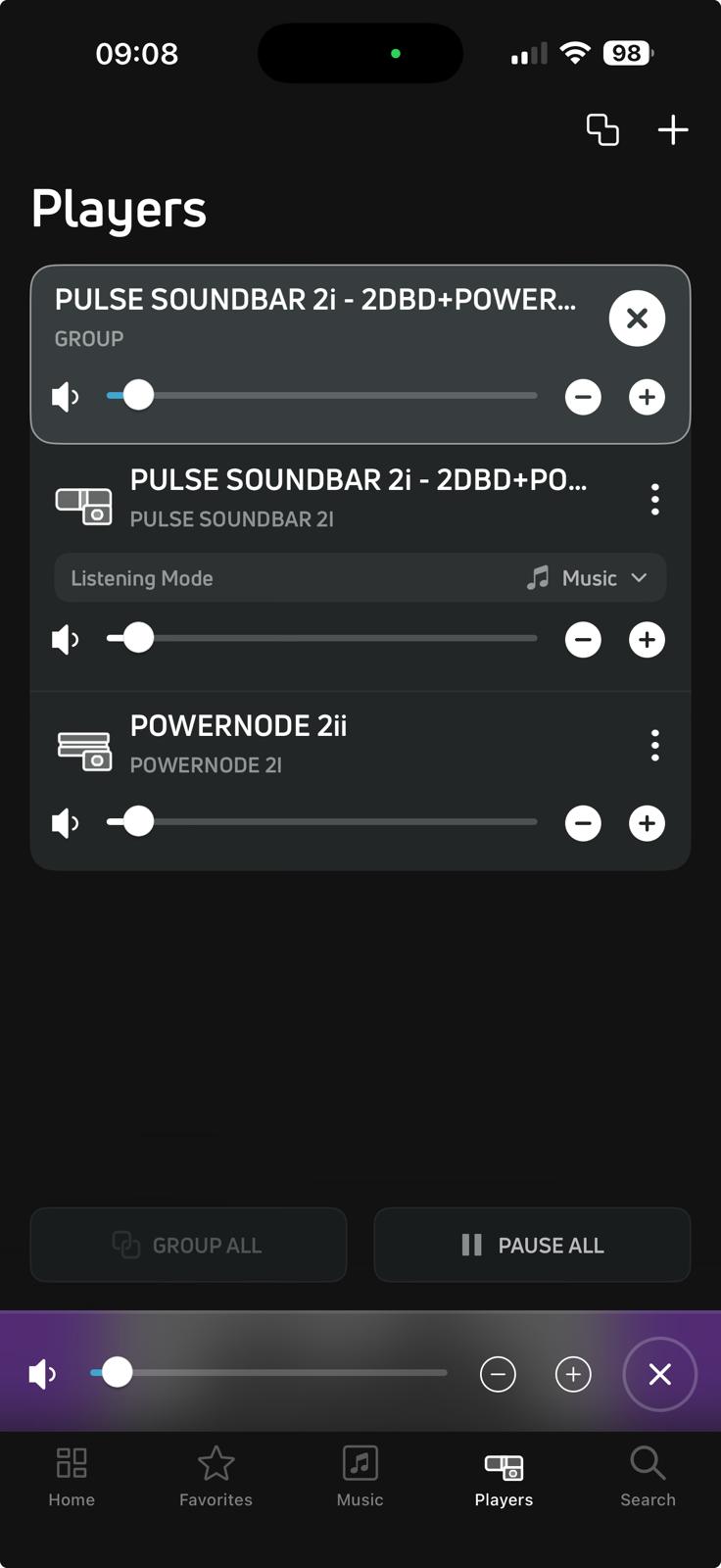
2) when setting the "group all" option; it loses the "group all" setting
I cannot detect a pattern, it happens at random, sometimes after days, sometimes after hours
it is weird that in the BLUOS app the "group all" setting is so-said active - having the extra notification that the 2 players are grouped
I can only solve this by ungrouping and regrouping again
I never experience this issue before, if any issues in the past it was clearly linked to more "general WIFI" issues, where other applications or devices (laptop) were also impacted
this is clearly only a BLUOS app - wifi related issue
any support & help is welcome
yours sincerely
-
Official comment

Another user here, would suggest logging a support ticket in the first instance using the BluOS app.
Make sure the BluOS app has network permissions in the iOS settings app.
For network troubleshooting on iOS / Pad especially after an iPhone / iPad update I always recommend using the reset option in settings. Settings…General, Transfer or Reset iPhone…Reset…Reset Network Settings.
-
fyi
 0
0 -
 0
0 -
hi, Reset Network Settings seems to solve it - thanks !
but losing the Group settings remains !1
Please sign in to leave a comment.
Comments
4 comments