speaker software update failed, now can't connect
Answered
As prompted, I tried to update the speaker software for two Pulse 2i and one Mini 2i, one Pulse updated and is working properly, the other two speakers appears to have failed to complete the update and no longer will connect to the controller.
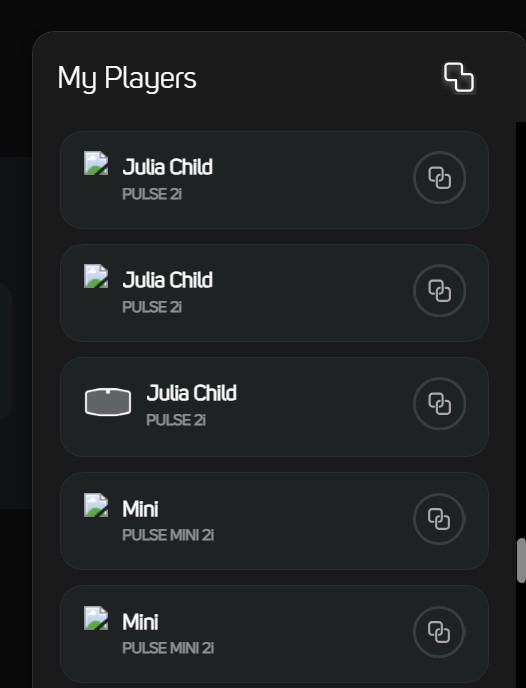
in the controller "My Players" show the two speakers over and over again but will not connect. I have shut down each speaker but it does not help.
I assume I need to finish the software update but I am unclear how to since I can't connect
I have tried on my PC and IPhone, similar lack of response on both
-
Official comment

If rebooting your router and speakers doesn't help, you could try to connect the speaker(s) directly on your router with an ethernet cable and work from there until updated.
-
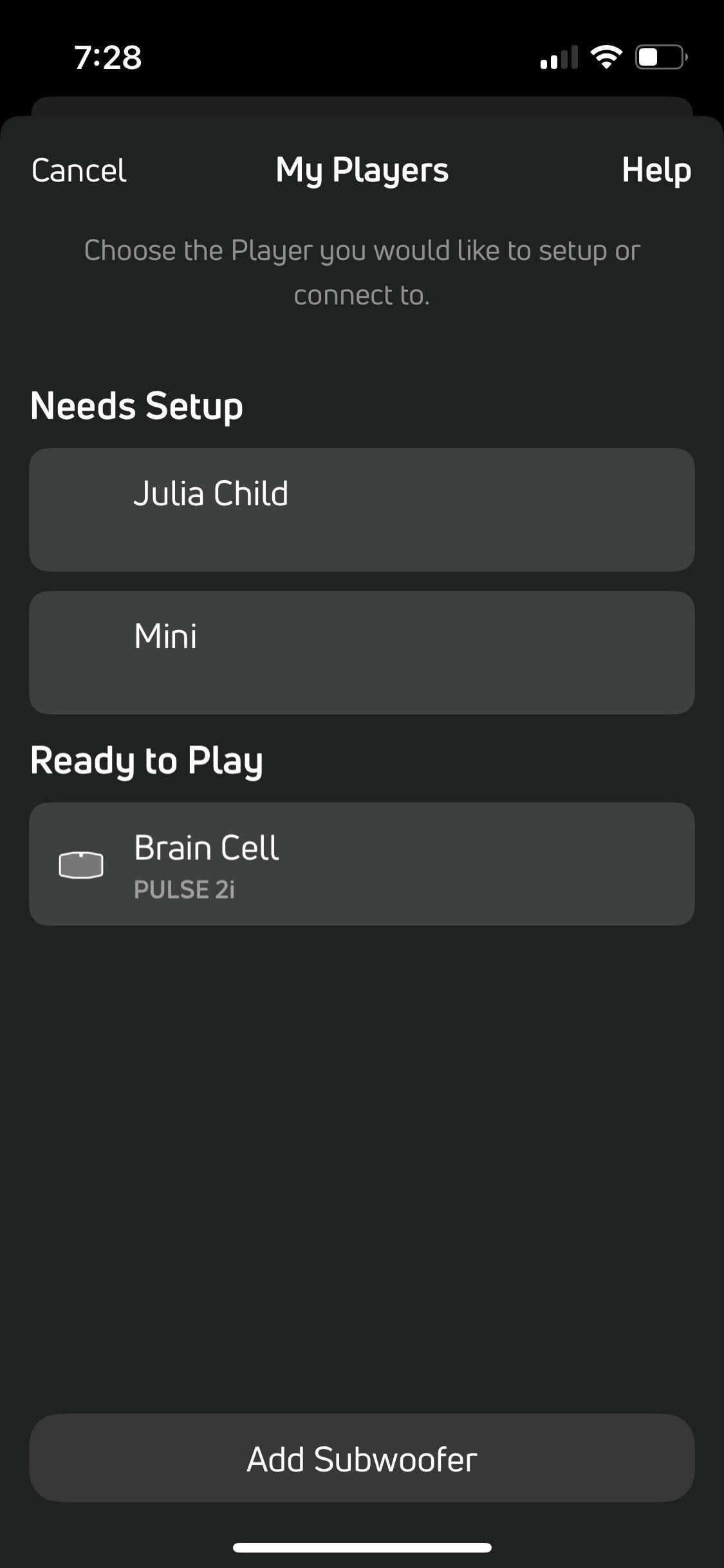
I rebooted the router and tried to reconnect both via wifi and ethernet, I can get to where I see a "needs setup" but when I select either one of the players, it gets as far as "updating, please wait" and then returns to this screen.
If I connect via my PC, I can see the players are connected but the hyperlink does not work
the web addresses are correct

 0
0 -
If it says "updating,please wait", it is maybe just doing that and you need to wait to let it finish. This may take some time, also depending on your internet connection.
On your PC, open a browser and go to http://192.168.1.6:11000/Status. I think you can find more info there about what is happening during this process.
As last resort, launch a request from the app > Help > send request. This will append logs for the support people to have a look.
0
Please sign in to leave a comment.
Comments
3 comments