No screen orientation after updated
Answered
-

Thanks Paul
We are continuing to investigate - the font size change will help with tablet's larger than 10"/26cm having a problem. Smaller than that it was as mentioned in the Official Comment a decided change. We are invetigating the possibility to dial that back to 8"/20cm in the very near future.
Thanks all
0 -
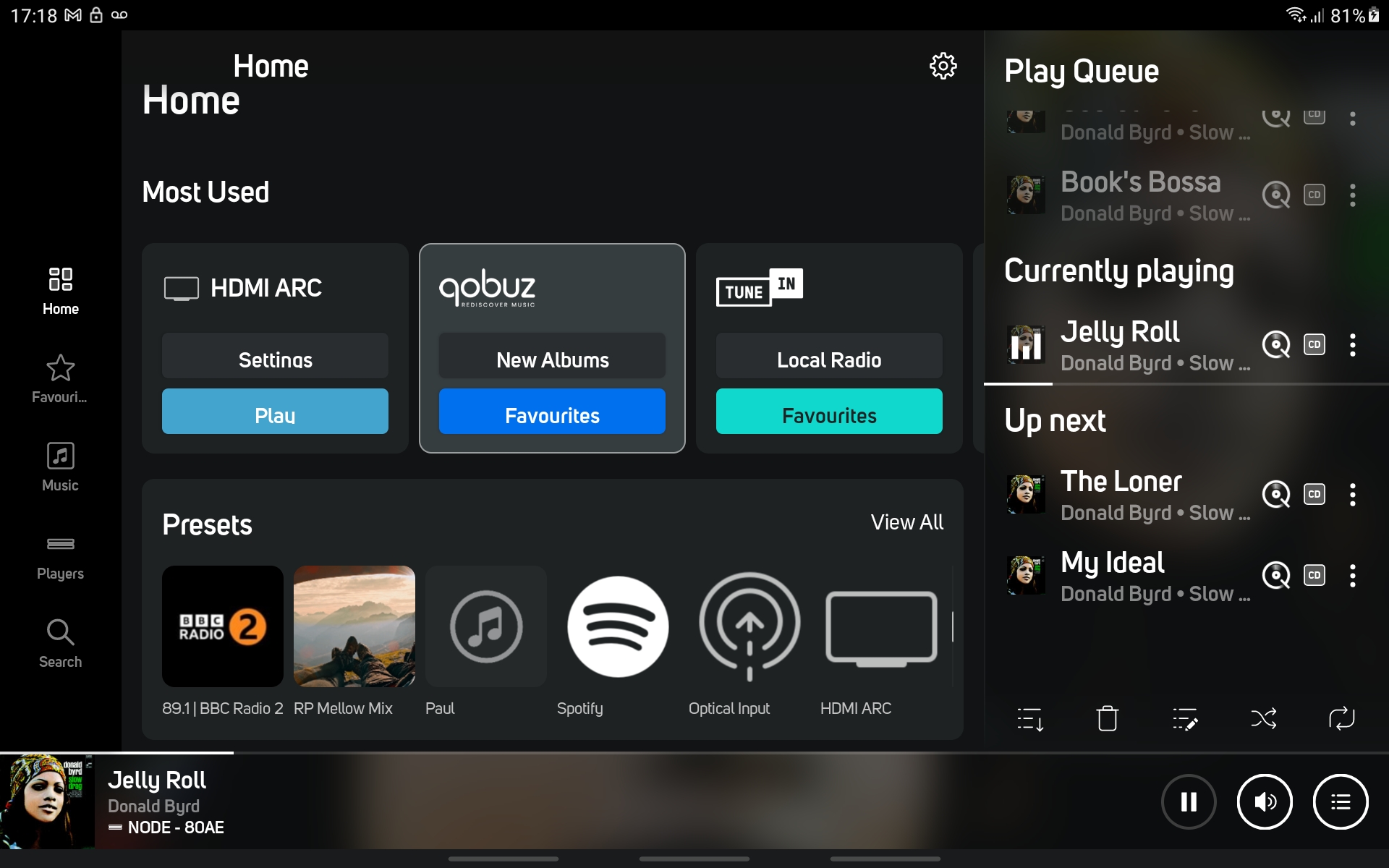
Just updated and this has, for me anyway, fixed the screen orientation bug. Also noticed the play queue side bar from BluOS 3.0 has made a welcome comeback.
So thanks for that.1 -

Update fixed my screen orientation bug too!
0 -
 0
0 -

I have a Lenovo Smart Tab M8 tablet that is 8" (1280 x 800 resolution). It is running Android App 4.8.0. Should this be landscape mode capable?
0 -
Hi Boonedoggle
It may depend on what your font size is set to - if it is set to Large or Very Large, that will also affect the outcome as the font size display may be too large to accommodate landscape.
0 -

Hello
so in short, if we want landscape mode on say Lenovo Smart Tab M8, we have to downgrade the app to a release before 4.4, is that the final statement from product support?
0
Please sign in to leave a comment.
Comments
37 comments